If you do not know what you are building, you cannot tell when the work is finished.
What You Will Produce
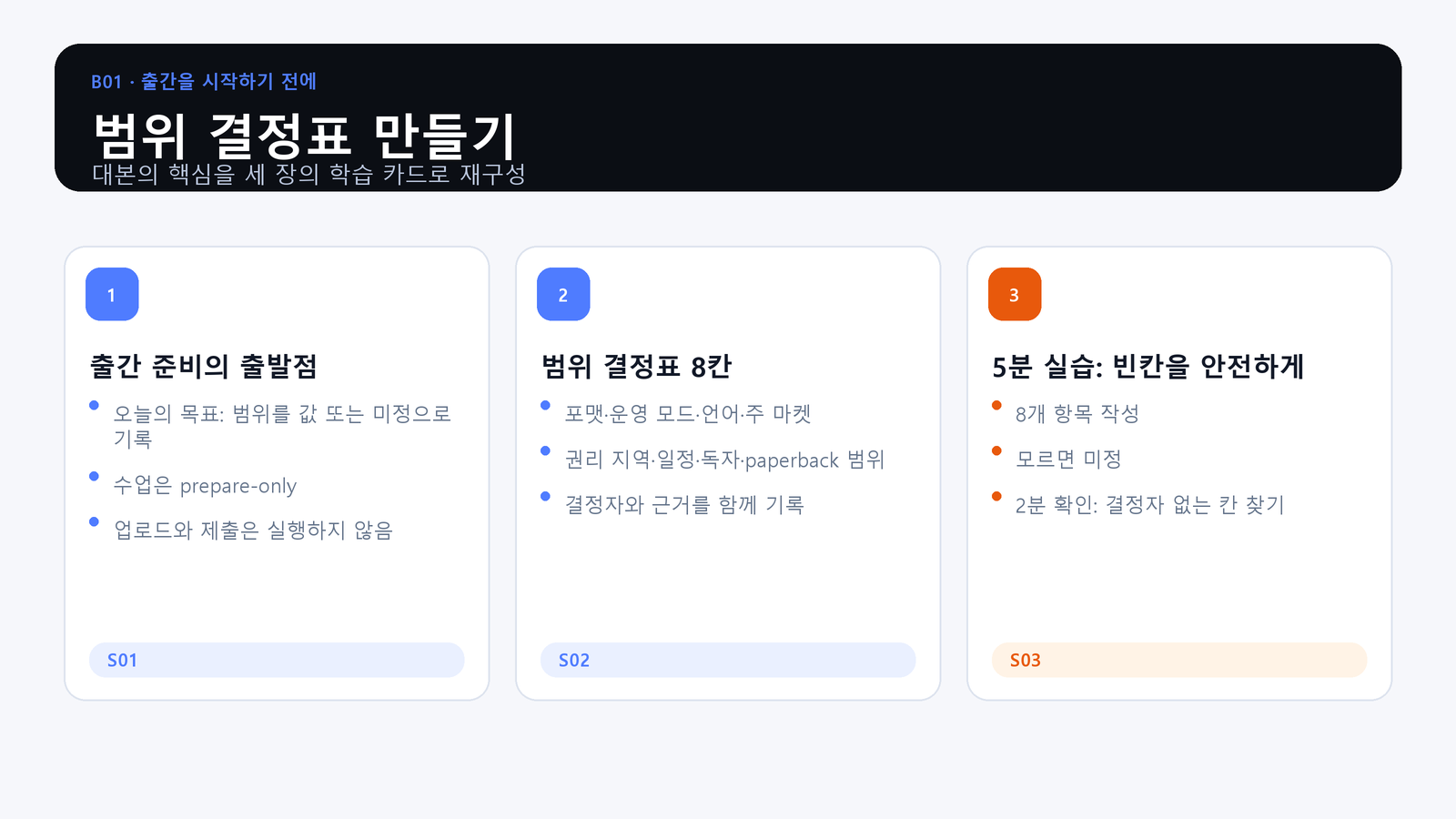
- Objective: Record format, operating mode, language, primary marketplace, rights territory, schedule, audience, and paperback scope as either a supported value or undecided.
- Action: Complete the eight fields in a scope decision table for a sample book.
- Evidence: One table in which every field has a value or an undecided status, a decision owner, and an evidence location.
Publishing Starts with Scope
Separate production complete, submitted, live, and project complete. This course remains prepare-only: it does not log in, upload, or submit. Unknown values are not defects when the owner and evidence location are visible.
The Eight Decision Fields
Record format, operating mode, language, primary marketplace, rights territory, schedule, audience, and paperback scope. Do not copy a marketplace, price, or territory from an example. The author must decide from the current sales plan and official screen.
Practice: Make Uncertainty Visible
Fill all eight rows. Replace unsupported assumptions with undecided, name the person who will decide, and point to the source that will settle the question. If both Kindle and paperback are in scope, keep their production evidence and final approvals separate.
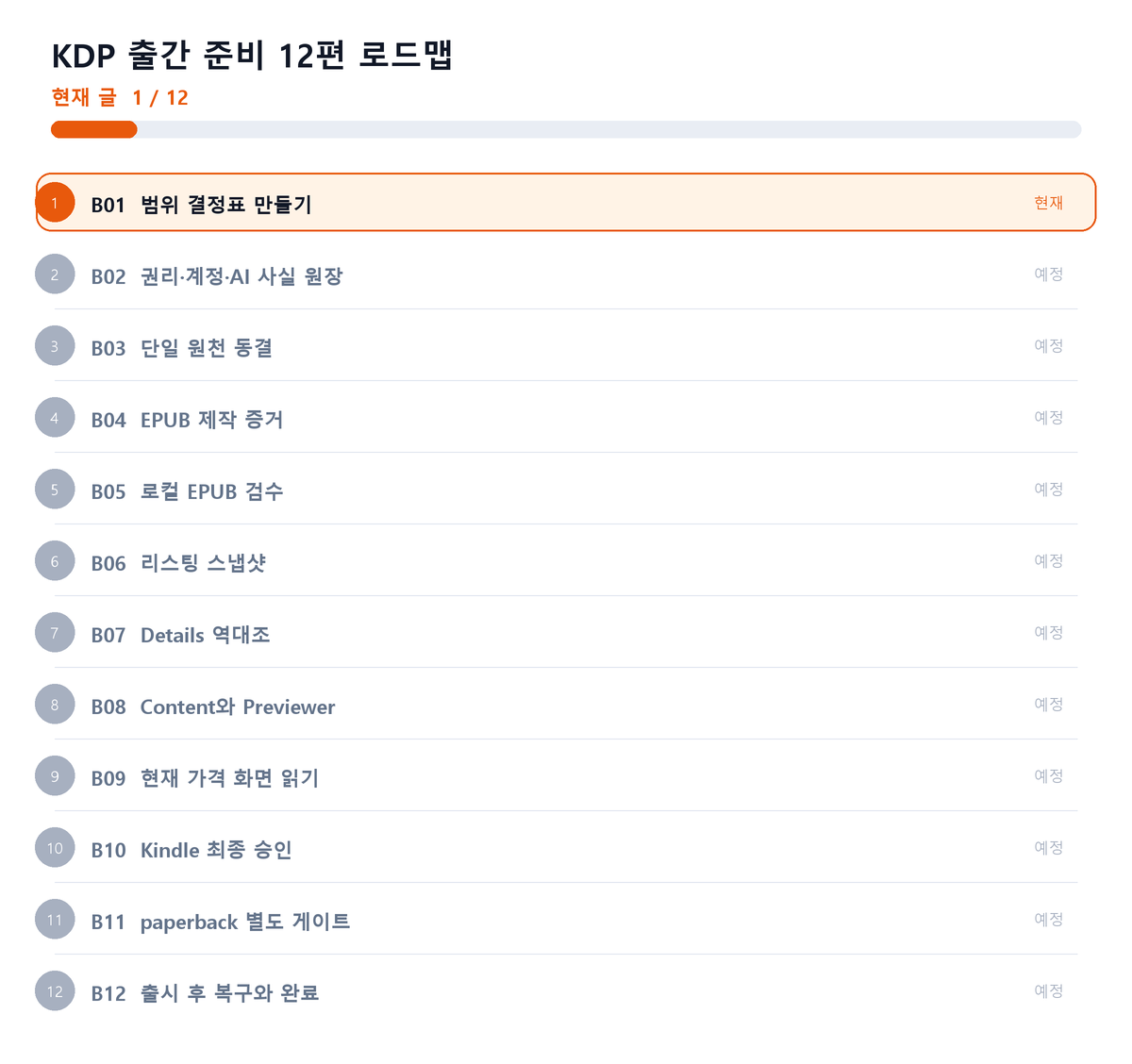
Where This Fits in the Series
Closing Principle
A scope table is not an automatic go-ahead. It is a map of where the project must stop until evidence exists.
References
This article is for preparation and quality assurance. Never capture or record passwords, cookies, tokens, tax identifiers, bank identifiers, or private manuscript identifiers.
Series Navigation
Next: KDP Publishing 02: Build a Rights, Account, and AI Ledger
댓글
GitHub 계정으로 의견을 남길 수 있습니다. 댓글은 GitHub Discussions에 저장됩니다.