Cover width depends on the manuscript’s actual page count and the print specifications selected for that edition.
What You Will Produce
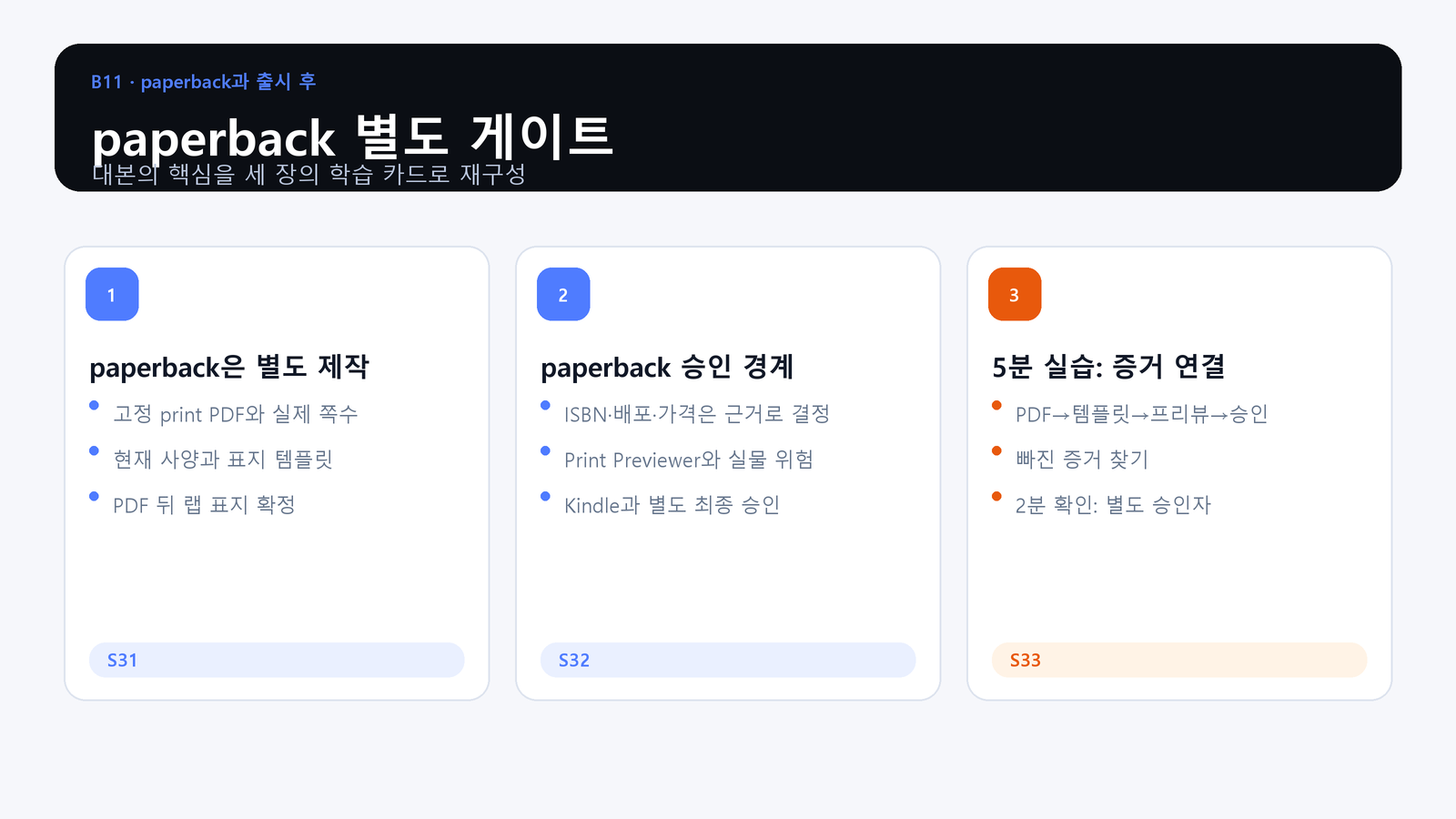
- Objective: Connect the fixed print PDF, wrap-cover template, print specifications, Previewer disposition, and separate approval evidence.
- Action: Link PDF, template, Print Previewer, physical-risk review, and paperback approval in order.
- Evidence: A paperback check containing PDF hash, template basis, Previewer disposition, specification decisions, and a separate approver.
Paperback Is a Separate Production System
Freeze the print PDF and its actual page count before finalizing the wrap cover. Use the current cover template and the approved print specifications for that exact edition.
Paperback Has Its Own Approval Boundary
ISBN, distribution, price, Print Previewer findings, and physical production risks require their own evidence. Kindle approval cannot be reused as paperback approval.
Practice: Connect the Evidence Chain
Follow the order from print PDF to page count, template, cover, Previewer, physical-risk review, and approval. Mark any missing link and name the separate paperback approver.
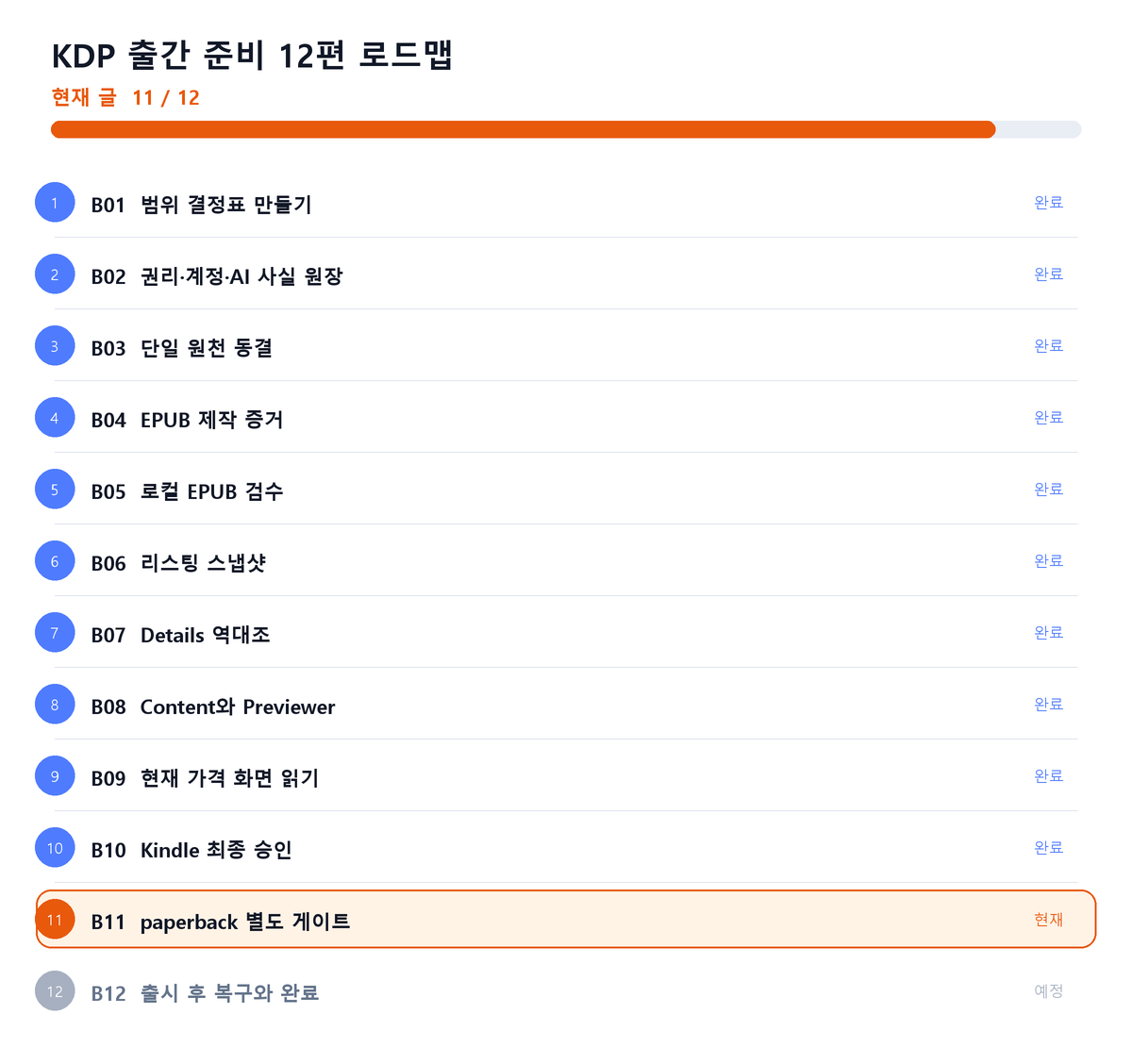
Where This Fits in the Series
Closing Principle
Kindle and paperback may share a book identity, but they do not share a final submission approval.
References
This article is for preparation and quality assurance. Never capture or record passwords, cookies, tokens, tax identifiers, bank identifiers, or private manuscript identifiers.
Series Navigation
Previous: KDP Publishing 10: Establish Final Kindle Approval
Next: KDP Publishing 12: Recover After Launch and Define Completion
댓글
GitHub 계정으로 의견을 남길 수 있습니다. 댓글은 GitHub Discussions에 저장됩니다.