
A submit button is not approval; approval is an explicit record tied to one format and one release candidate.
What You Will Produce
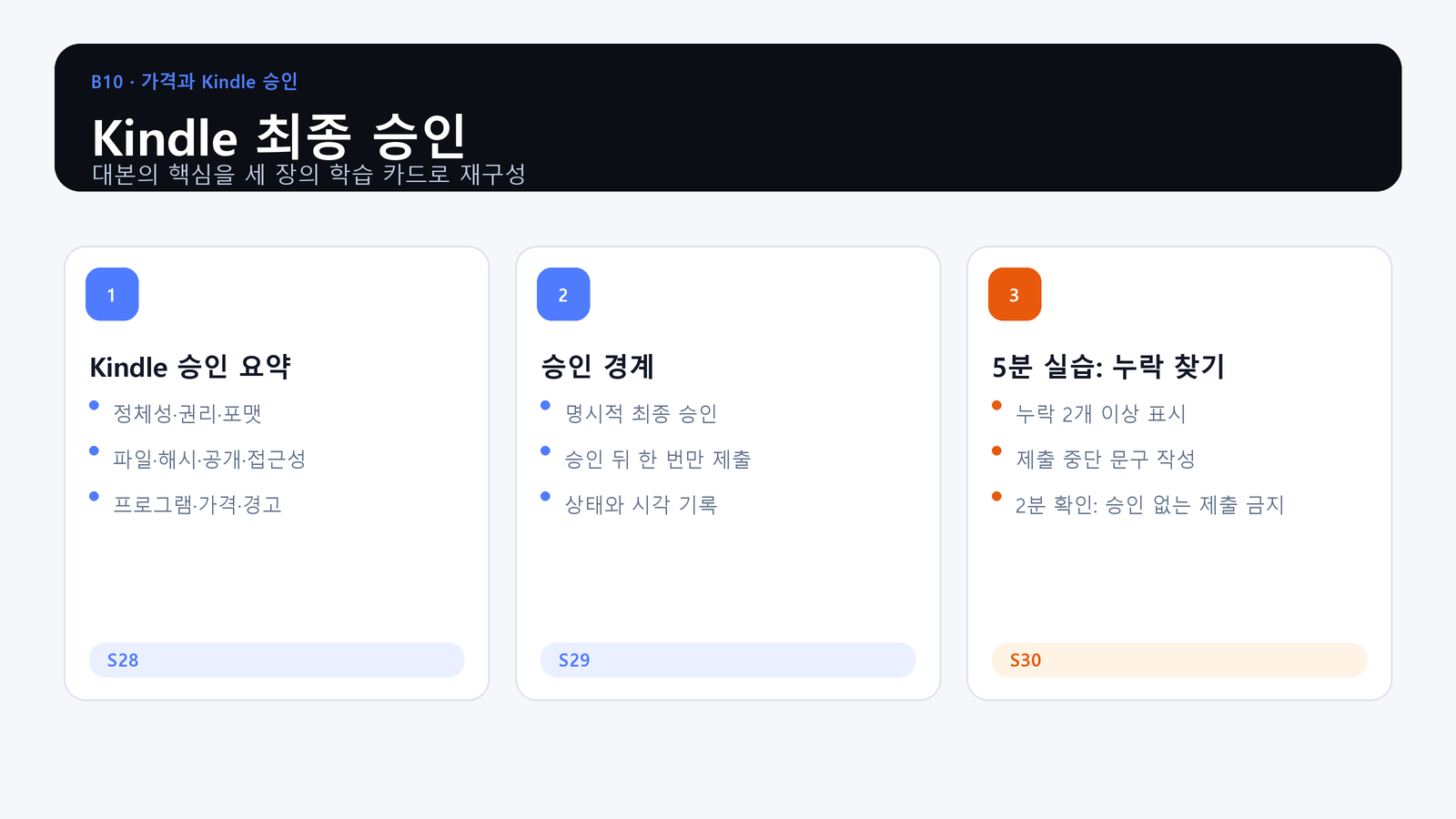
- Objective: Confirm identity, file hashes, accessibility, pricing, territory, program choices, and Previewer evidence for Kindle.
- Action: Find missing evidence in a sample approval summary and mark the boundary at which submission must stop.
- Evidence: A Kindle approval summary naming the release candidate, approver, approval time, and every required evidence item.
Summarize the Kindle Evidence
Bring the approved listing identity, EPUB and cover hashes, accessibility and AI records, current pricing decisions, territory, program choices, and Previewer disposition into one review surface.
Approval Has a Format Boundary
The approver confirms a specific Kindle release candidate at a specific time. This approval does not authorize paperback submission, later file changes, or a repeated click after the state becomes uncertain.
Practice: Find the Missing Item
Review the sample summary and stop where evidence is absent or inconsistent. Name the owner and the upstream step that must be corrected before a new approval can be issued.
Where This Fits in the Series
Closing Principle
Without explicit final approval for this Kindle release candidate, submission stops.
References
This article is for preparation and quality assurance. Never capture or record passwords, cookies, tokens, tax identifiers, bank identifiers, or private manuscript identifiers.
Series Navigation
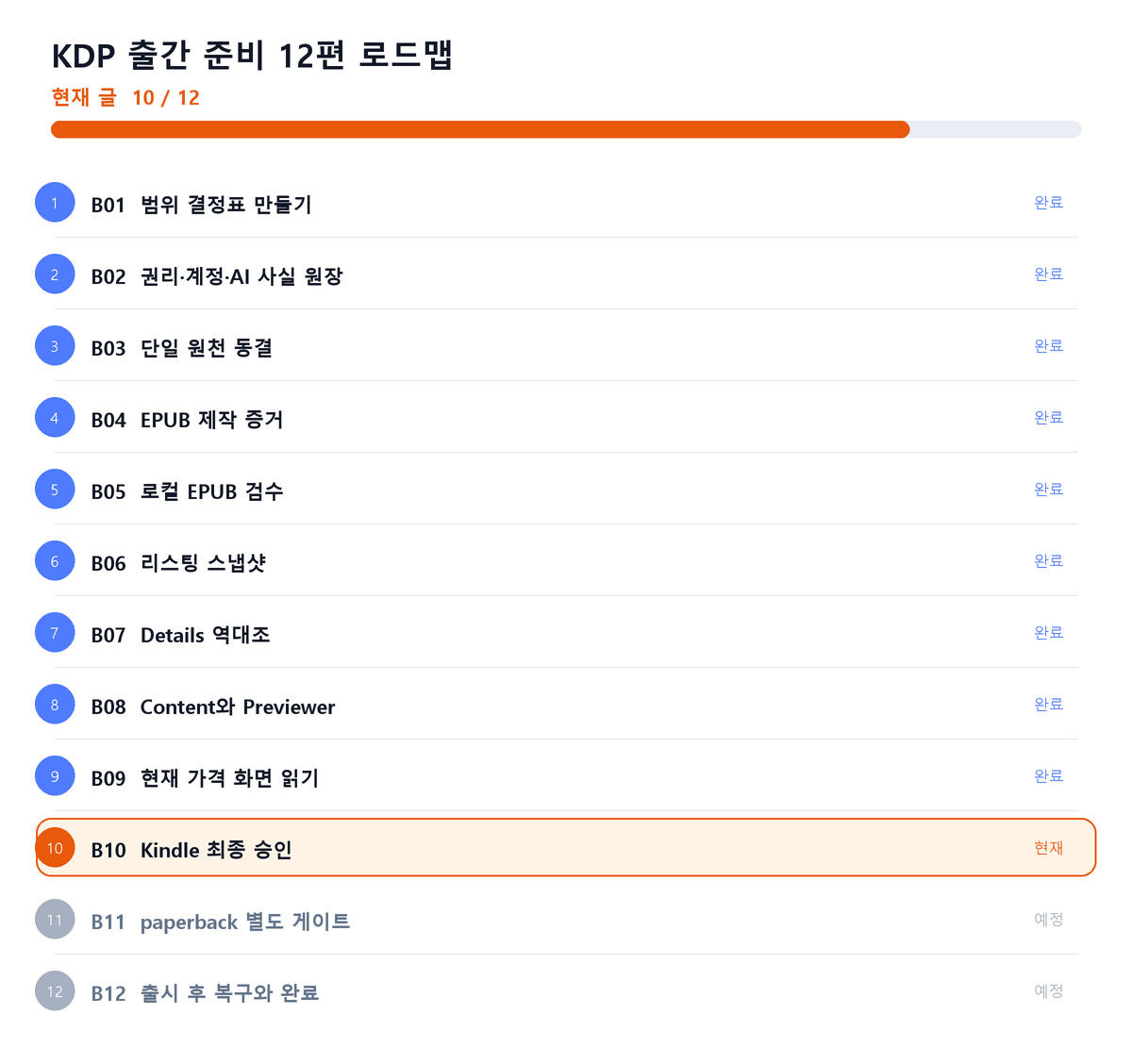
Previous: KDP Publishing 09: Read the Current Pricing Screen
Next: KDP Publishing 11: Keep Paperback as a Separate Gate
댓글
GitHub 계정으로 의견을 남길 수 있습니다. 댓글은 GitHub Discussions에 저장됩니다.