
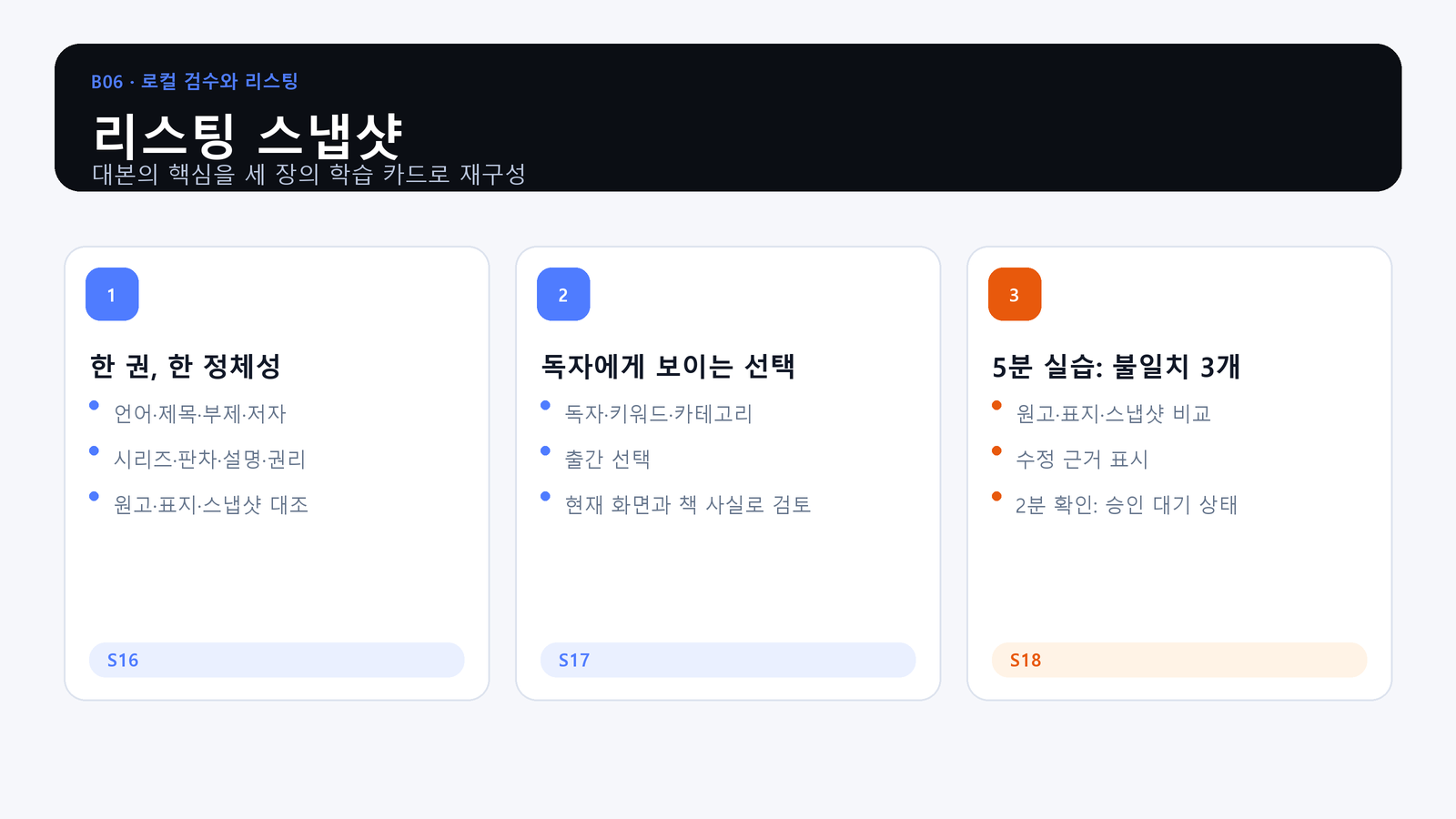
A one-character mismatch can make the same book look like a different product.
What You Will Produce
- Objective: Lock title, subtitle, author name, description, keywords, and other visible identity fields into one approved snapshot.
- Action: Find three inconsistencies in a sample listing and identify the evidence that resolves each one.
- Evidence: A listing snapshot with each visible field, its source, approval state, and approver.
One Snapshot Owns the Listing
Collect every reader-facing field in one place. The manuscript, cover, metadata, and KDP form must not carry competing spellings or claims.
Visible Choices Need Evidence
Descriptions and keywords must come from the approved book and launch plan, not from memory or a different title. Variable pricing and promotional claims do not become permanent identity facts.
Practice: Reconcile Three Mismatches
Compare the sample fields, find the conflict, point to the approved source, and record who decides. Do not fix only the KDP screen while leaving the source snapshot inconsistent.
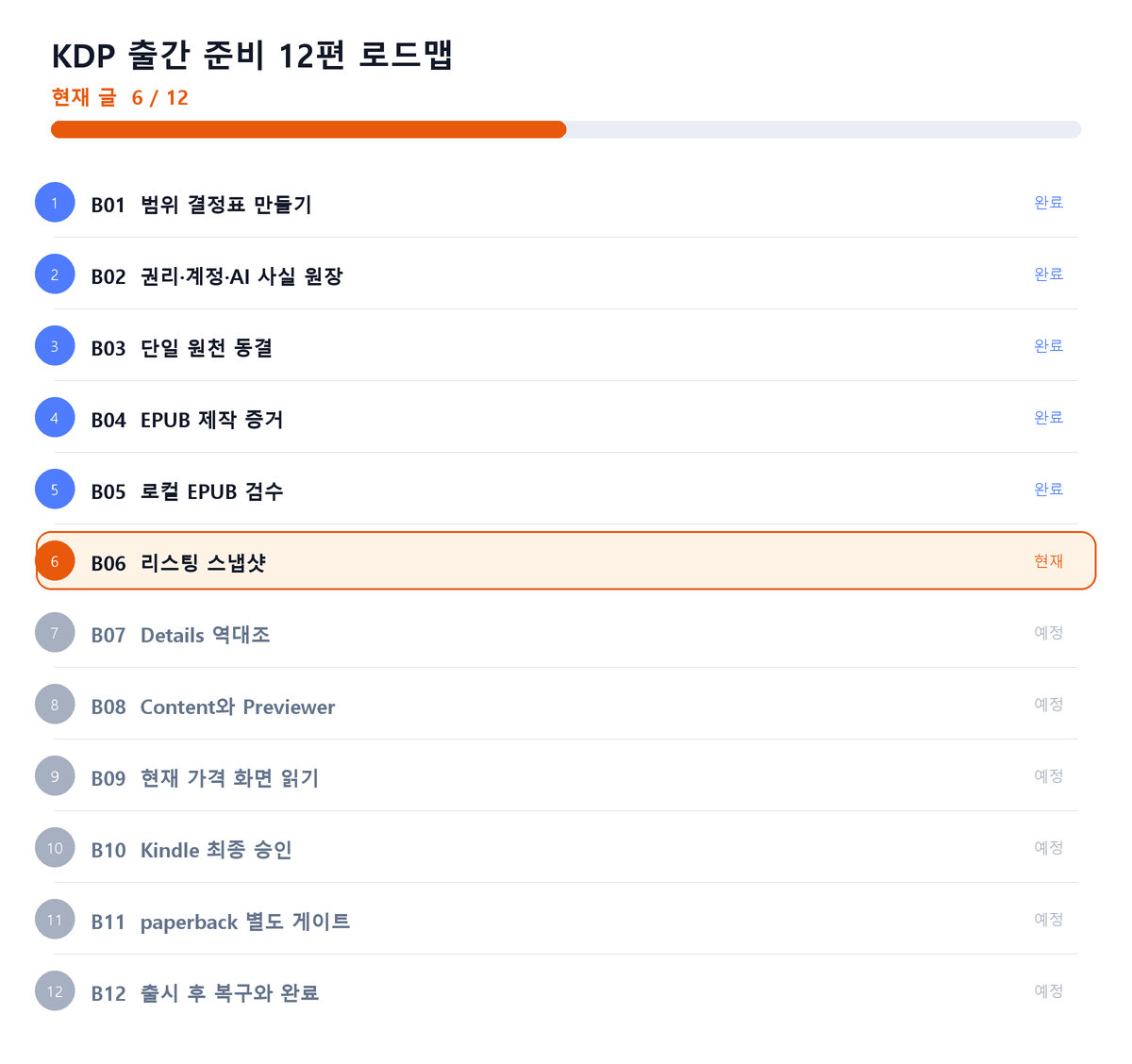
Where This Fits in the Series
Closing Principle
The approved listing snapshot is the only source for entering reader-facing identity fields.
References
This article is for preparation and quality assurance. Never capture or record passwords, cookies, tokens, tax identifiers, bank identifiers, or private manuscript identifiers.
Series Navigation
Previous: KDP Publishing 05: Run Local EPUB QA
Next: KDP Publishing 07: Reconcile the Details Screen
댓글
GitHub 계정으로 의견을 남길 수 있습니다. 댓글은 GitHub Discussions에 저장됩니다.