
One changed character can make the listing diverge from the approved book identity.
What You Will Produce
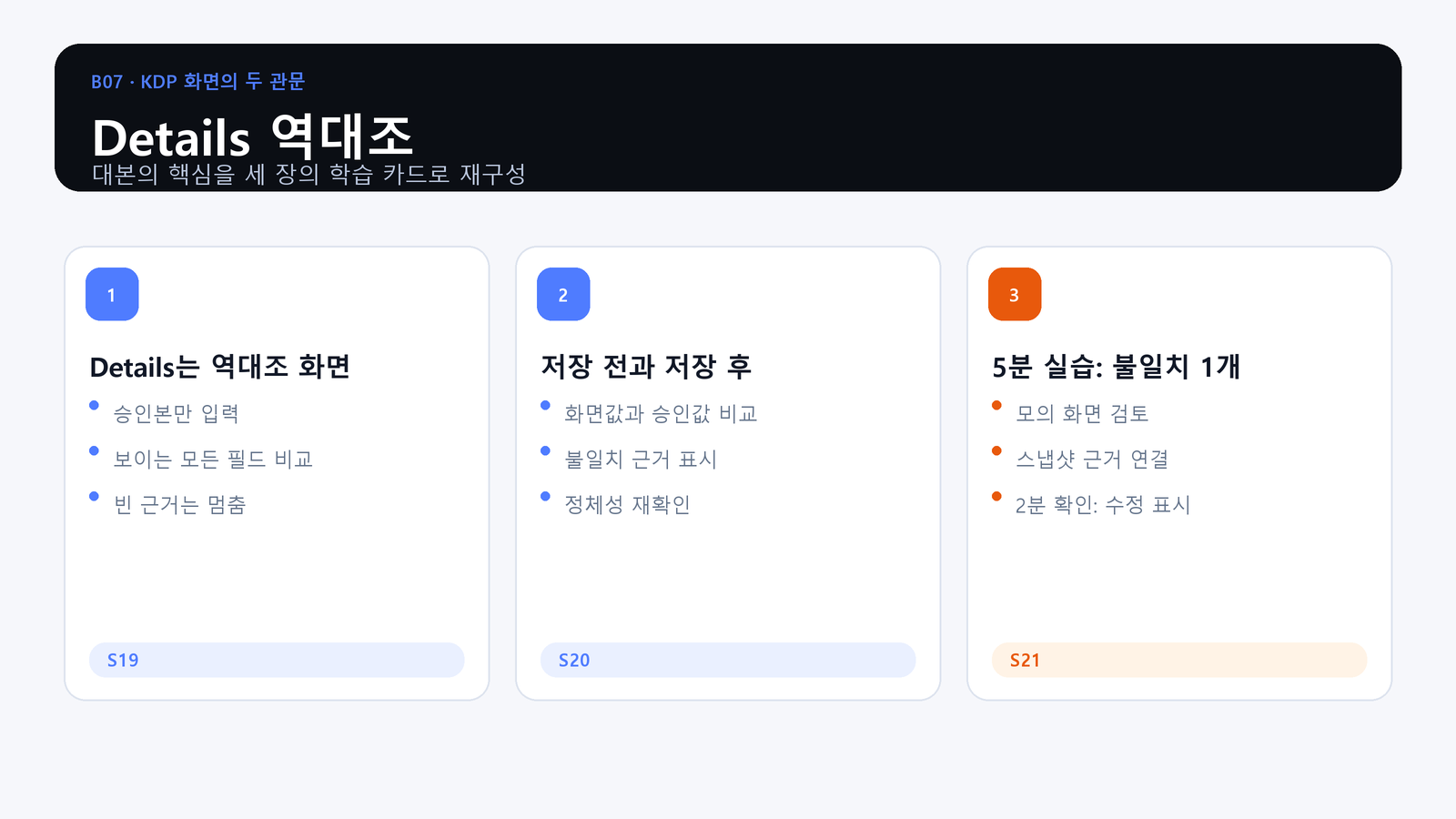
- Objective: Compare every visible field on the Details screen with the approved listing snapshot.
- Action: Find one mismatch in a simulated screen and record the correction evidence.
- Evidence: A Details reconciliation check containing approved value, screen value, match status, and evidence.
The Details Screen Is for Reconciliation
Enter only approved values. Compare every visible field instead of checking only the title. An empty evidence cell is a stop condition, not permission to improvise.
Compare Before and After Saving
Record the value before saving, then inspect the saved screen again. Mark mismatches, connect them to the source decision, and recheck the book identity after the platform accepts the change.
Practice: Find One Mismatch
Use the simulated screen and listing snapshot. Identify the conflicting field, write the correction, and connect the final screen state to the evidence that authorized it.
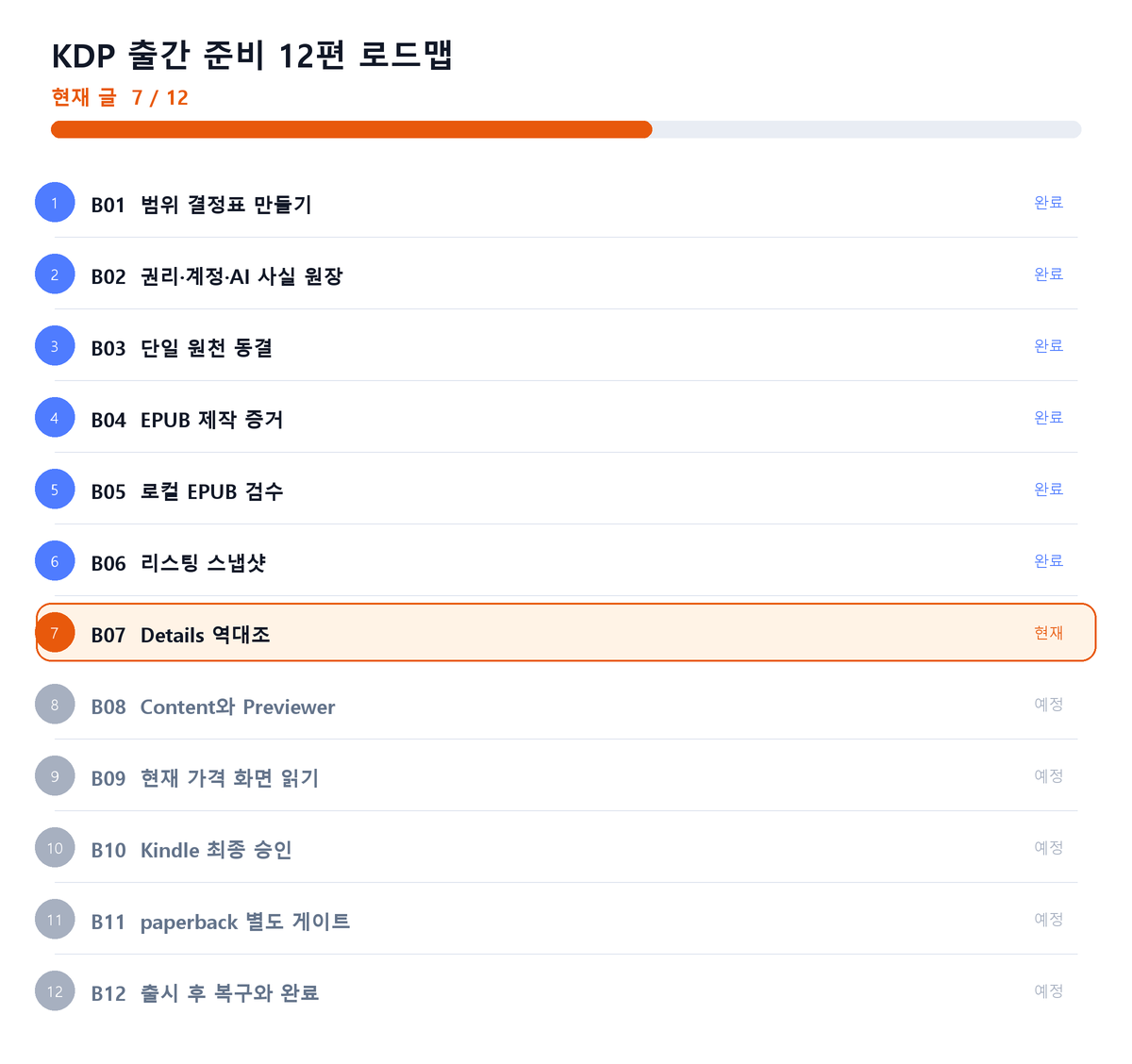
Where This Fits in the Series
Closing Principle
A screen is not the source of truth; it is a surface that must agree with approved evidence.
References
This article is for preparation and quality assurance. Never capture or record passwords, cookies, tokens, tax identifiers, bank identifiers, or private manuscript identifiers.
Series Navigation
Previous: KDP Publishing 06: Lock the Listing Snapshot
Next: KDP Publishing 08: Reconcile Content and the Previewer
댓글
GitHub 계정으로 의견을 남길 수 있습니다. 댓글은 GitHub Discussions에 저장됩니다.