
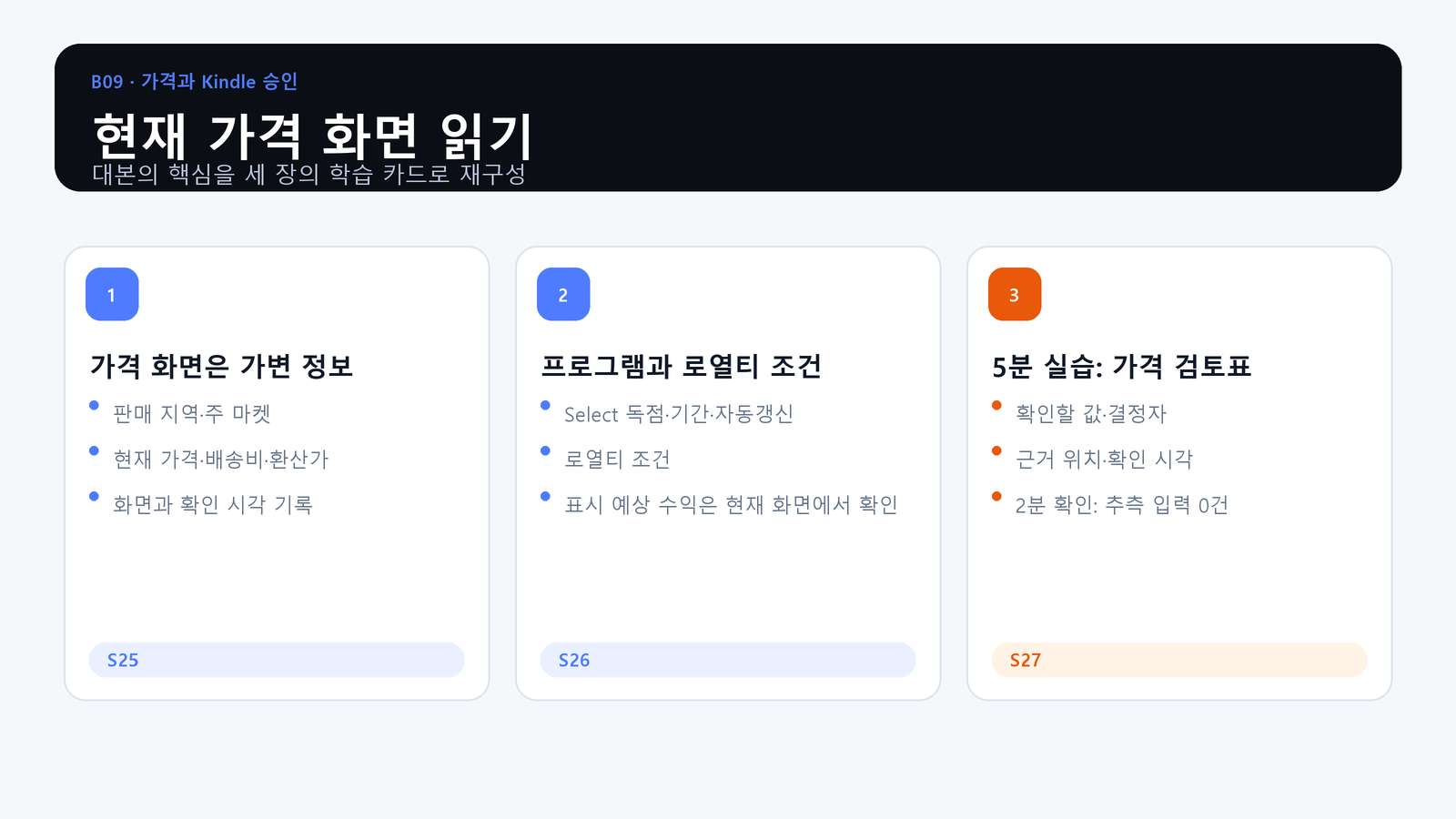
Yesterday’s conditions and another book’s price are not evidence for the screen in front of you today.
What You Will Produce
- Objective: Record sales territory, primary marketplace, Select conditions, royalty conditions, and displayed amounts with the time of verification.
- Action: Complete a pricing review table without guessing values that have not been confirmed.
- Evidence: A pricing review with current screen items, verification time, decision owner, evidence location, and undecided fields.
Pricing Is Variable Evidence
The screen may show territory, primary marketplace, list price, delivery cost, converted prices, and other current conditions. Record what is visible and when it was checked.
Programs and Royalties Have Conditions
KDP Select, exclusivity periods, renewal settings, royalty options, and displayed estimates are decisions with current conditions. Do not turn a course example or another title’s value into a default.
Practice: Complete the Pricing Review
Write the item, current value, decision owner, evidence location, and verification time. Leave unsupported fields undecided. The goal is zero guessed entries, not a table with every field forced closed.
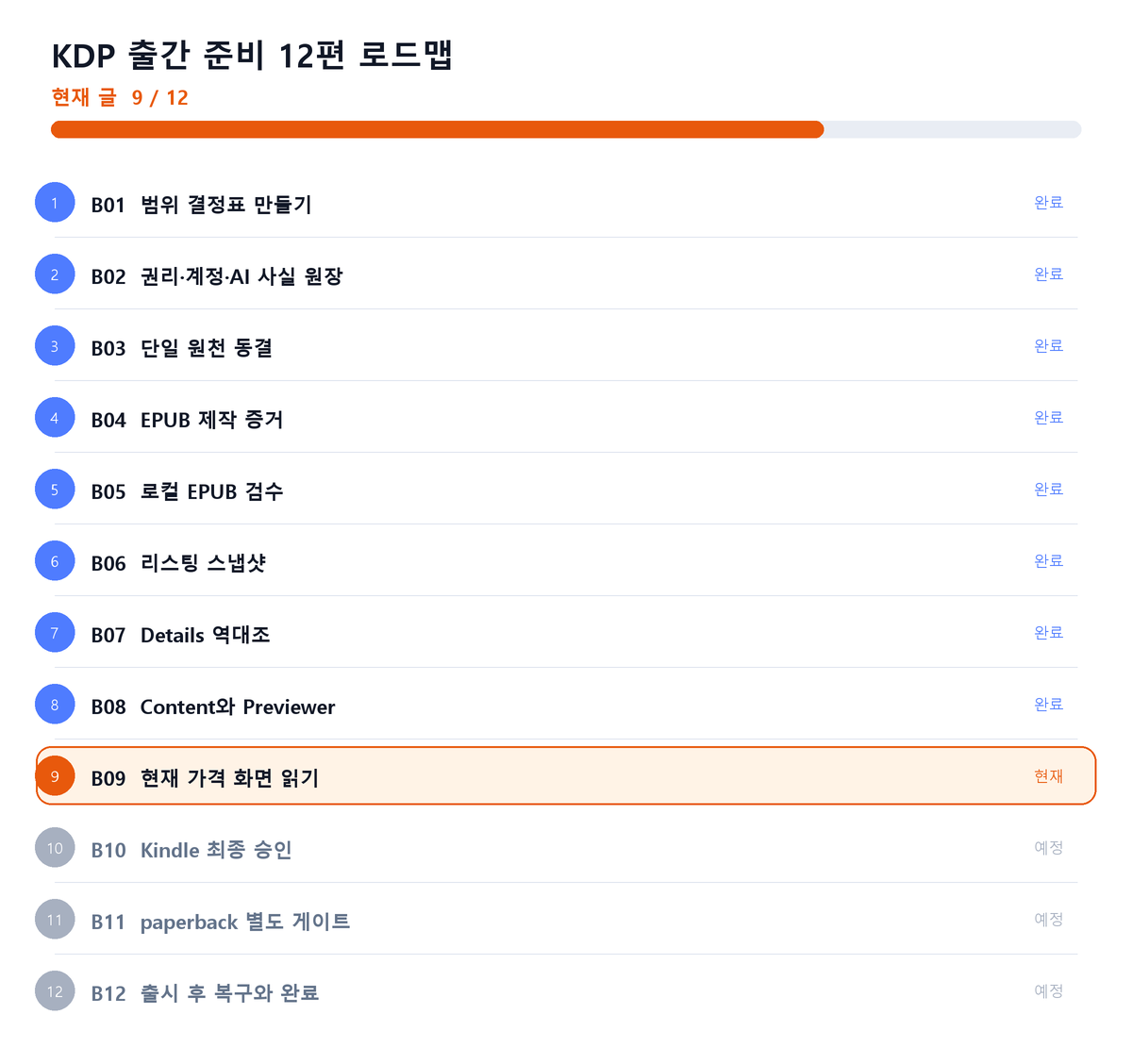
Where This Fits in the Series
Closing Principle
Current conditions must be read from the current screen and tied to a verification time.
References
This article is for preparation and quality assurance. Never capture or record passwords, cookies, tokens, tax identifiers, bank identifiers, or private manuscript identifiers.
Series Navigation
Previous: KDP Publishing 08: Reconcile Content and the Previewer
Next: KDP Publishing 10: Establish Final Kindle Approval
댓글
GitHub 계정으로 의견을 남길 수 있습니다. 댓글은 GitHub Discussions에 저장됩니다.