
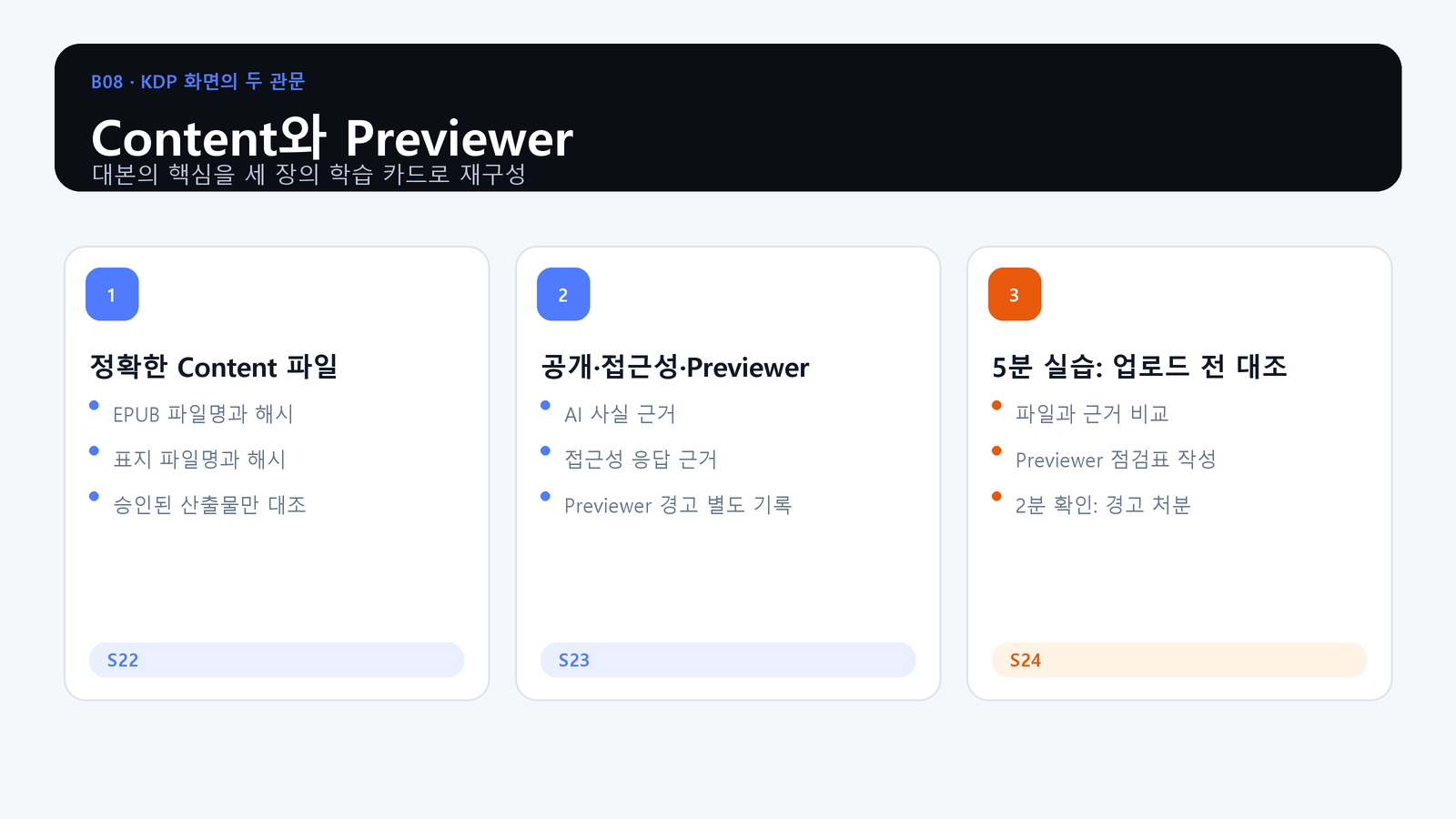
A familiar filename is not proof that the uploaded file is the approved build.
What You Will Produce
- Objective: Verify the exact EPUB and cover, record accessibility and AI evidence, and preserve Previewer dispositions.
- Action: Reconcile a simulated upload against the approved filenames and hashes, then complete the Previewer log.
- Evidence: A Content check with filenames, hashes, evidence references, Previewer findings, owners, and retest status.
Verify the Exact Content Files
Compare filenames and SHA-256 values before upload. Confirm that the cover, EPUB, accessibility notes, and AI-use records belong to the same approved release candidate.
The Previewer Is a Separate QA Surface
KDP Previewer shows the platform conversion result. It does not replace EPUBCheck or local visual QA. Record its warnings, their impact, disposition, correction owner, and retest result.
Practice: Reconcile an Upload
Match the simulated Content screen to the approved evidence. If a file or hash differs, stop rather than uploading a convenient copy. Complete the Previewer log before any approval request.
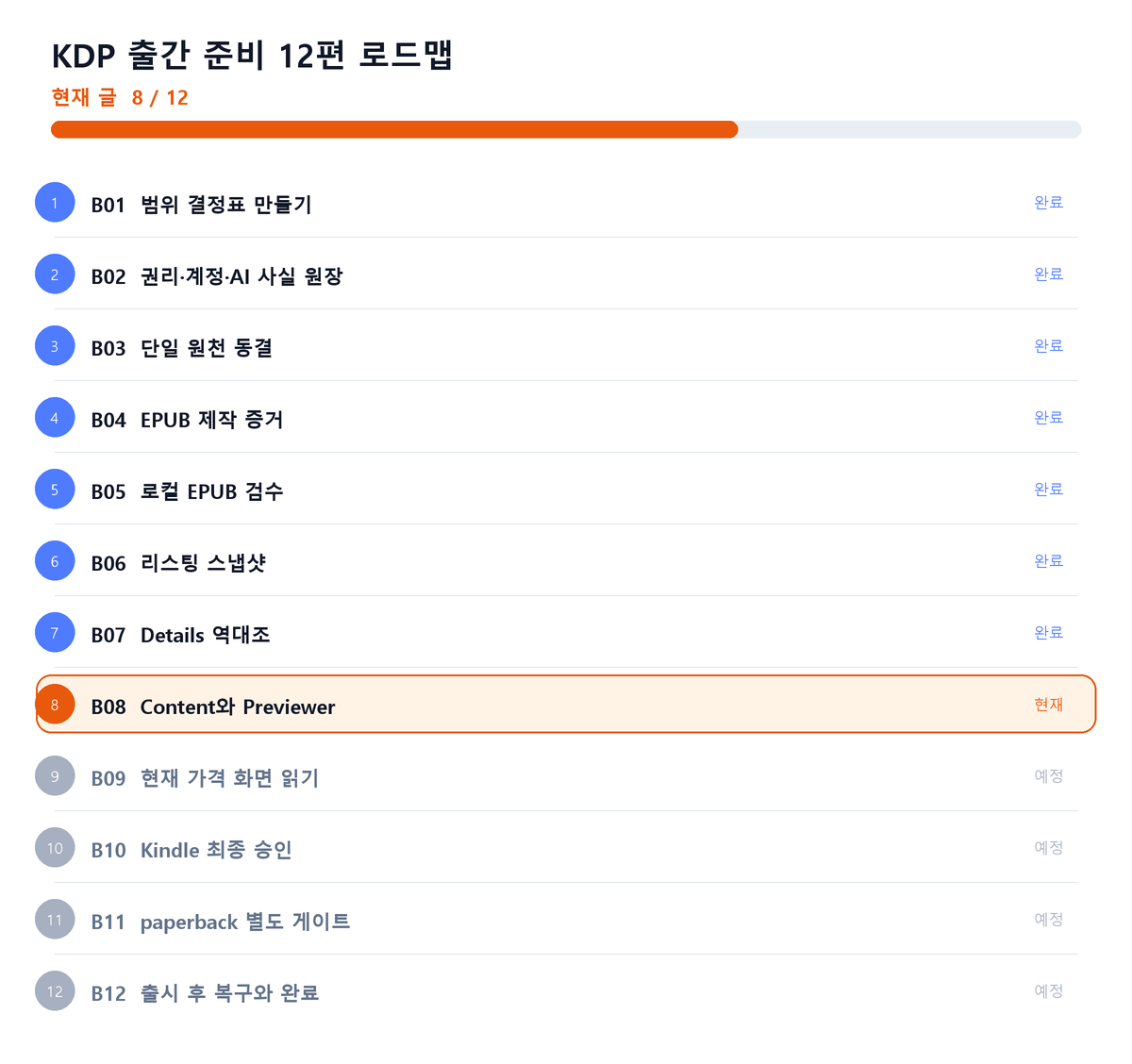
Where This Fits in the Series
Closing Principle
Local QA and KDP Previewer evidence must both point to the same approved files.
References
This article is for preparation and quality assurance. Never capture or record passwords, cookies, tokens, tax identifiers, bank identifiers, or private manuscript identifiers.
Series Navigation
Previous: KDP Publishing 07: Reconcile the Details Screen
Next: KDP Publishing 09: Read the Current Pricing Screen
댓글
GitHub 계정으로 의견을 남길 수 있습니다. 댓글은 GitHub Discussions에 저장됩니다.